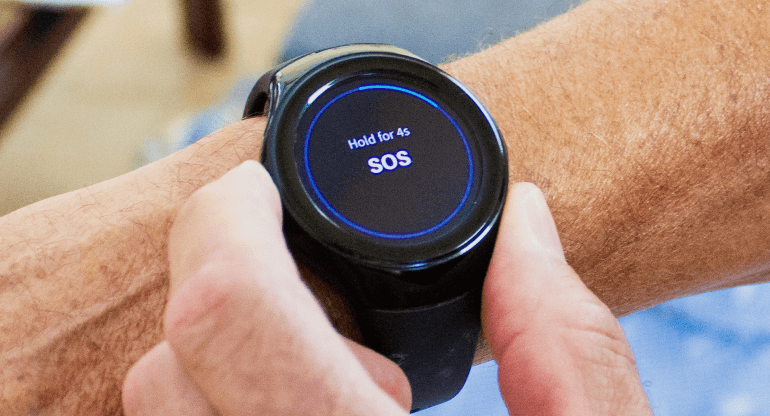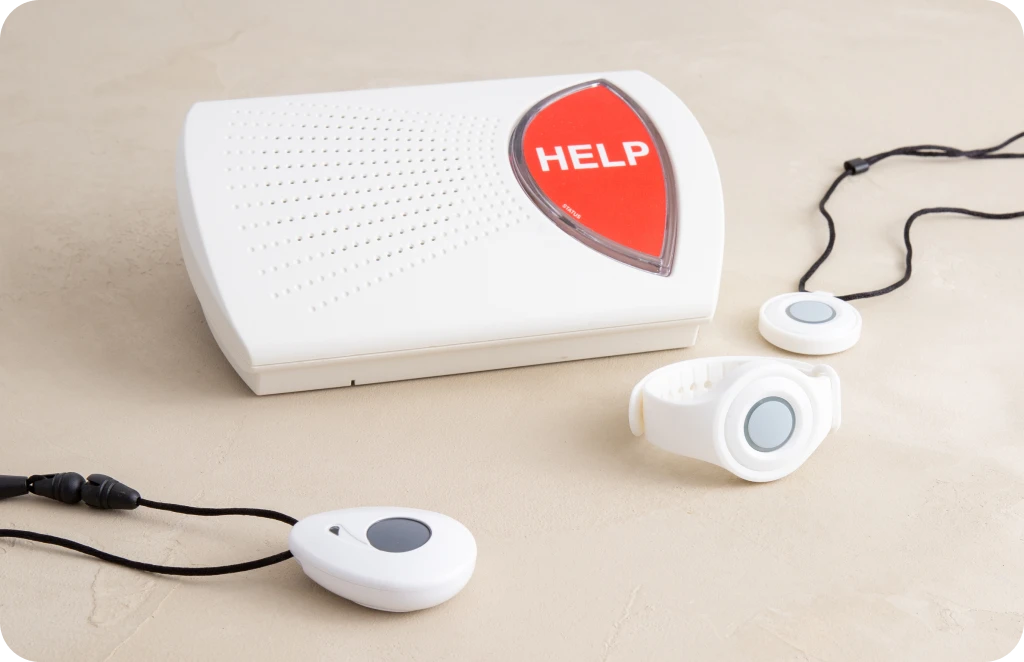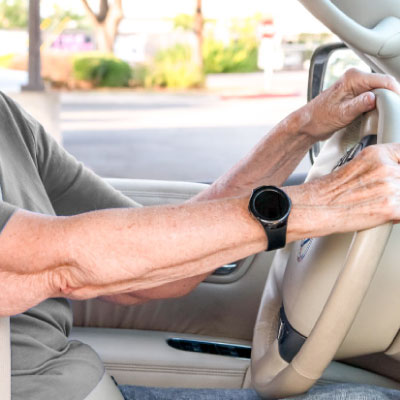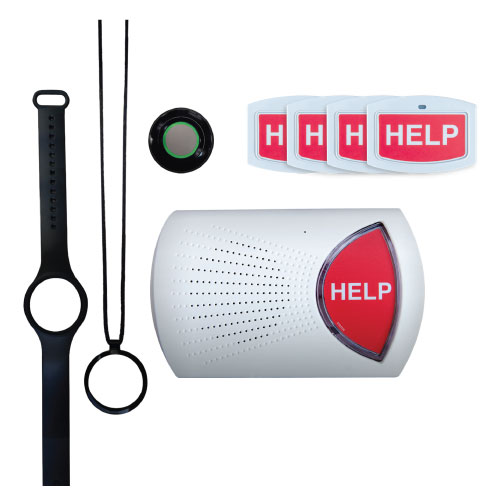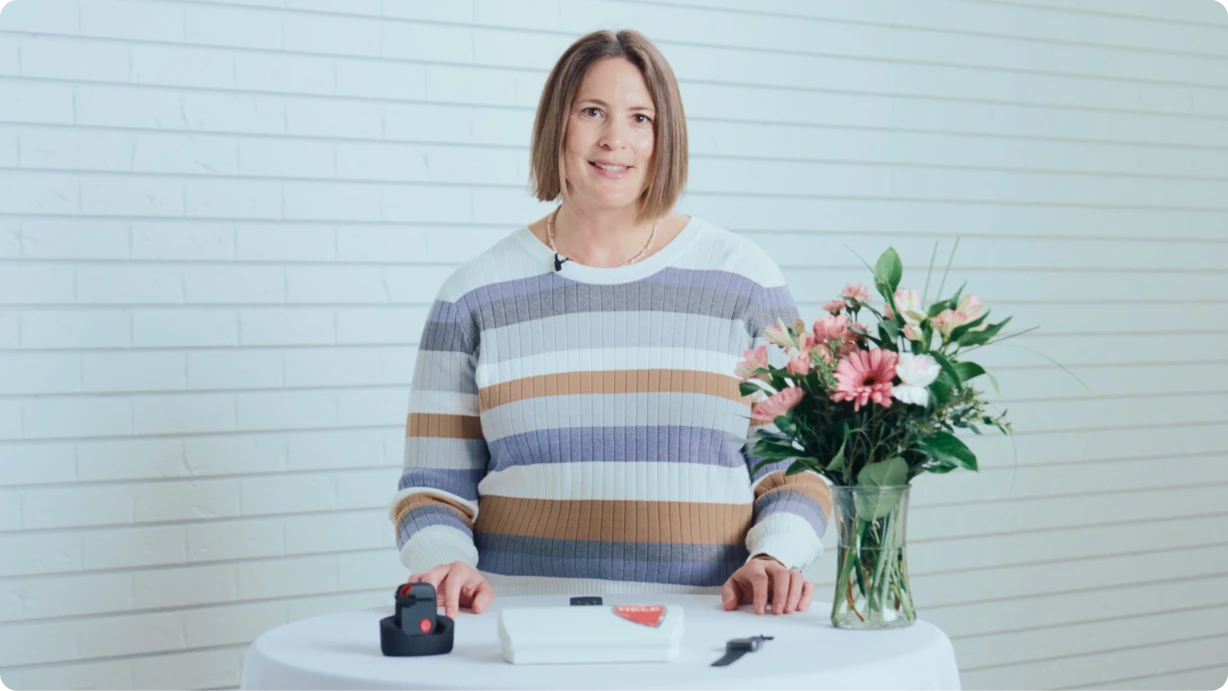
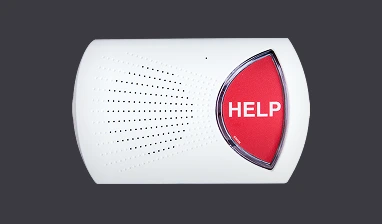
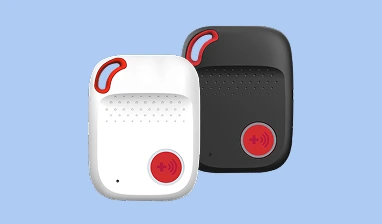
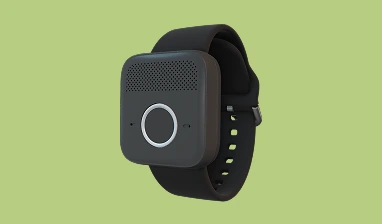
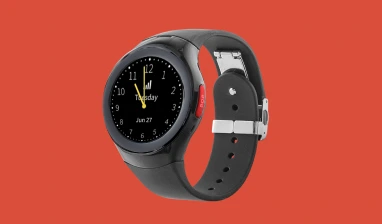

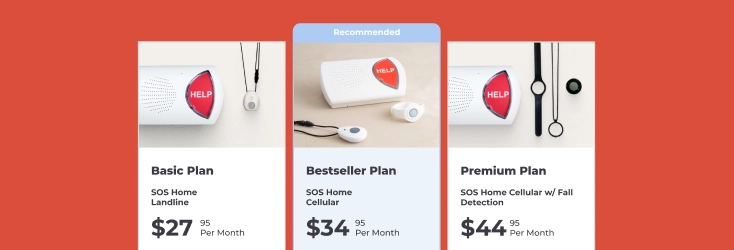





Most landline-based medical alert systems are simple to set up and use. They have a “base station” that plugs into a power outlet and your landline phone jack. When you call for help by pushing the button on your lanyard, pendant, or wall help button, the device sends a signal to the base station. If you’re out of range, then the base station can’t receive the signal and place a call to the monitoring center.
Which room is best for your base station? It depends on your home layout and where the medical alert system uses spends the most time.
Base Station Range
Most medical alert systems have a range of between 800 and 1200 feet. In most cases, a system with a range of at least 1,000 feet is enough to cover the inside of your home and provide coverage outside.
Although you can plug your base unit into any landline jack in your home, consider the unit’s range when you make a decision. A central location is generally best because it’s more likely to provide coverage throughout the house – from basement to attic. Check the range of places outside your home you visit frequently too – mailbox, garage, patio, etc.
Home Layout and Construction
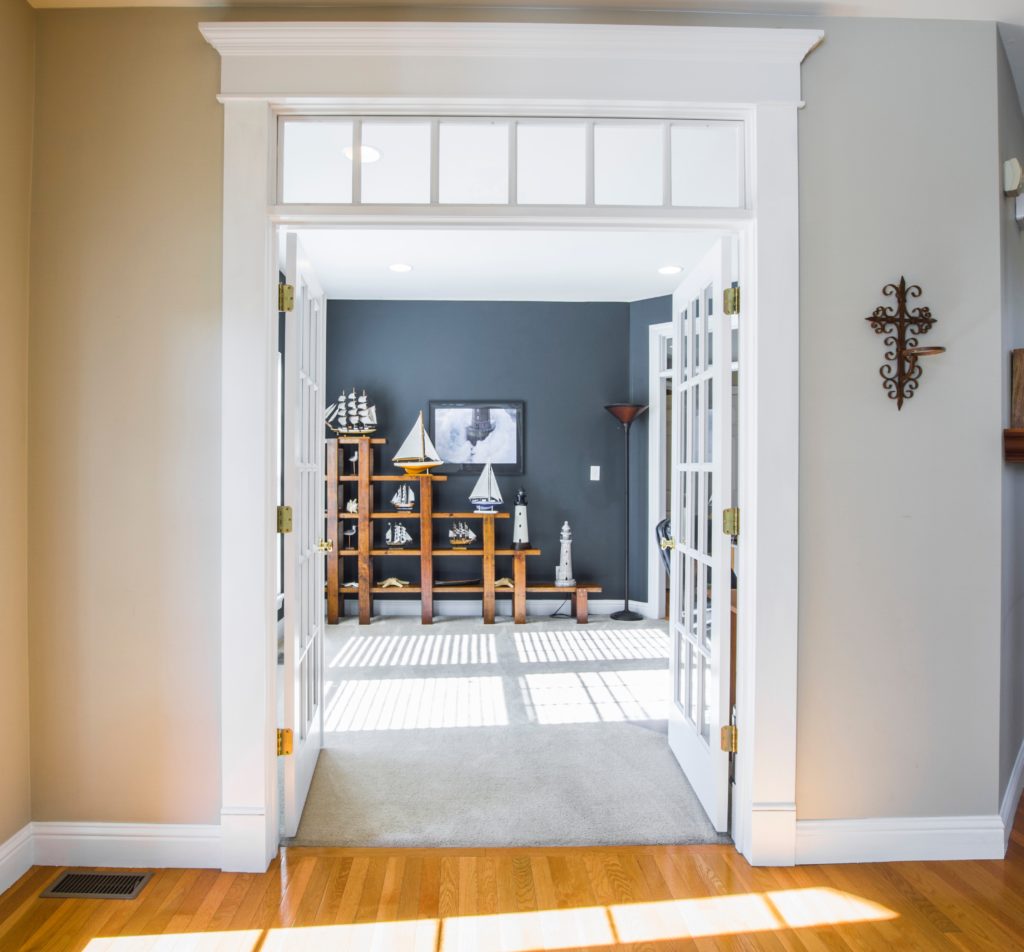
Your help buttons must be able to communicate with the base station for the unit to function properly. Your home layout and construction materials can affect reception.
After you plug in and set up your base station, perform a test from every room in your home. In the vast majority of homes, you won’t have any trouble communicating, but it’s always best to check. If your base unit has a shorter range than expected, your home construction or layout may be the problem.
For example, a base unit placed in a room below ground level may have shorter reception range because the dirt around the outside blocks the signal. Reception problems can also happen in buildings built with metal frames, reinforced concrete, and other materials. That’s why it’s so important to test the unit’s range inside and outside your home.
Central Location Inside the House
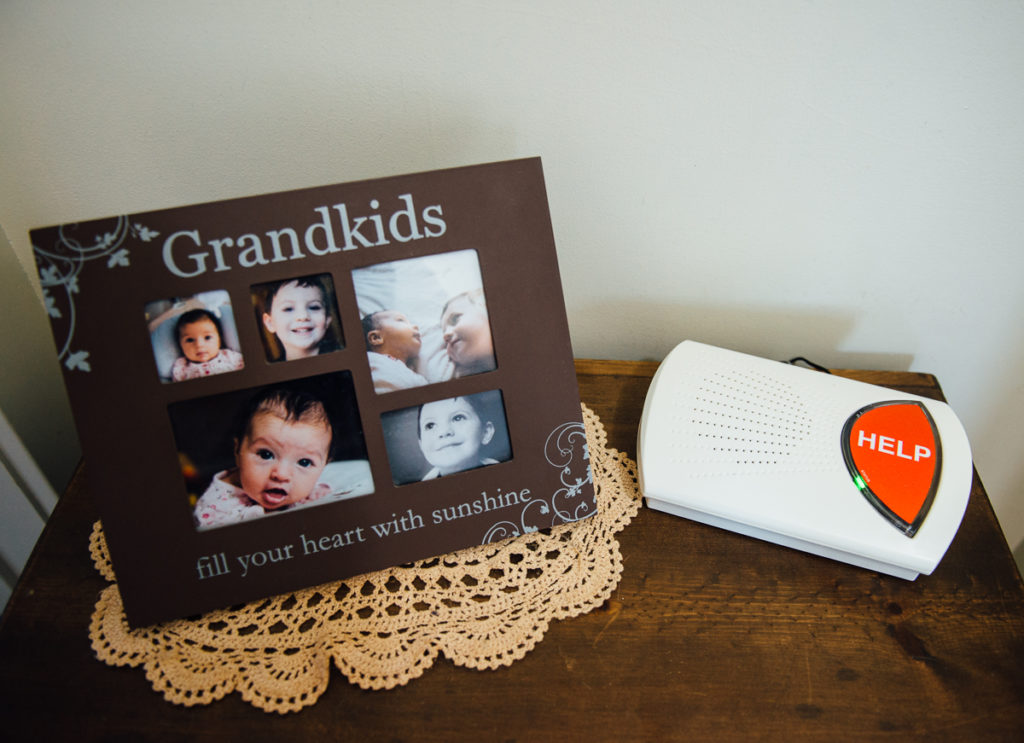
When you press the help button, the base unit doesn’t just place a call to the monitoring center. It also sounds the alarm inside the home when the button is pushed. Central placement helps family members in the home hear the alarm so they can respond to the crisis.
In many multi-generational households, the senior relative has a separate living space – a basement apartment, in-law suite, or detached guesthouse. In these cases, it’s a good idea to place the base unit in a central location inside the main living area instead of in the separate living space. This ensures that family members are alerted when the help button is activated. Be sure to select a system with a wide enough range to cover both living spaces.
Bay Alarm Medical’s Home Medical Alert Systems
Trusted review sources like PC Magazine, the Senior List, and Medical Alert Buyer’s Guide have consistently given our medical alert systems top ratings. Our systems are easy to set up and use and come with a risk-free, 15-day guarantee. Try the system for a month, and return the unit if you’re not completely satisfied for any reason. We’ll refund your charges (minus shipping costs).
Learn more about our service and diverse selection of medical alert systems. Prefer to talk with someone about your options? No problem! Call us at 877-522-9633 to speak to a representative or start an online chat at the Bay Alarm Medical Web site.
About the Author
As Bay Alarm Medical CMO, Alan Wu is deeply involved in the design of our products, from the hardware we use, to service pricing, to the feedback we receive from our customers so we can improve what we offer. He understands the questions and problems seniors may have, from weak cell signal in rural areas, to memory issues that can cause wandering. He works to find solutions to these and find ways our technology can make lives better and longer. Read his full credentials here.